
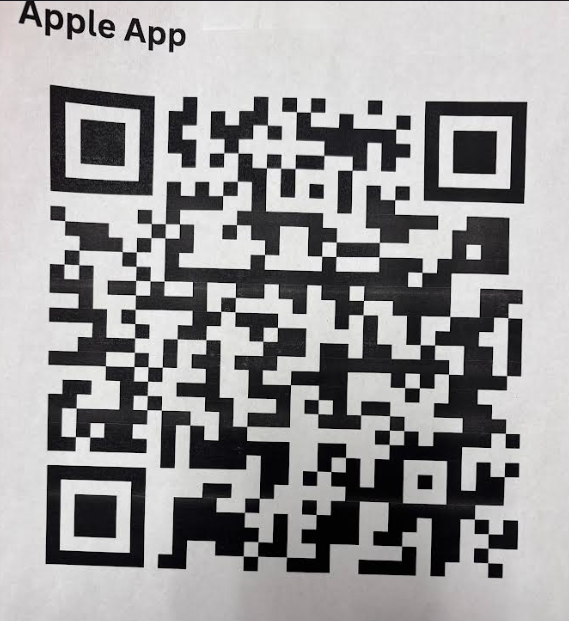
QR Code For iPhone App Store
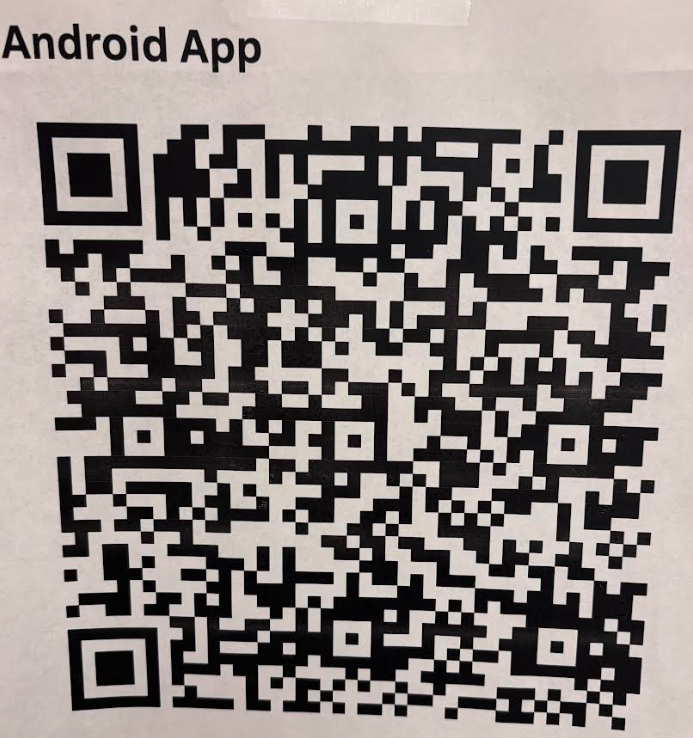
QR Code for Android App Store
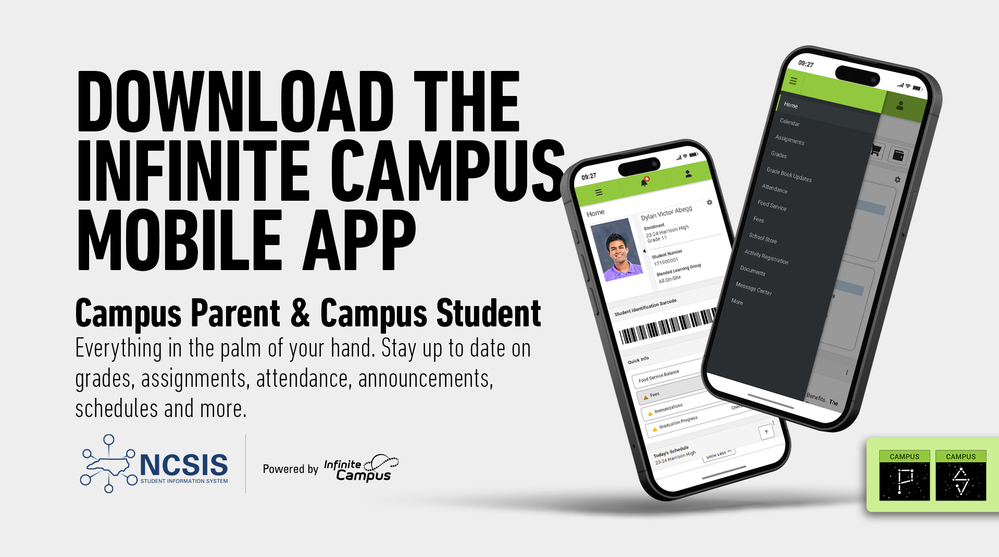
Download the Campus Parent App from Infinite Campus to connect to your student's grades, assignments, schedules and more!
Lee County Schools
September 9, 2024
With the start of a new school year, many changes were underway at Lee County Schools. One of the major changes was a shift from the former student data system, PowerSchools, to a new state-mandated Student Information System, Infinite Campus. With this shift come a pair of new mobile apps, Campus Student and Campus Parent, specifically designed to integrate with Infinite Campus and help parents and students keep up with some of the most important school-related information.
Campus Student and Campus Parent put school information at your fingertips with real-time access to announcements, assignments, attendance, grades, schedules, and more! To get started, follow the steps below.
You will need to reach out to your child's school data manager to get the parent portal access code.
Download the Campus Parent app from the App Store or Google Play.
Open the app and search for your District Name & State. (Skip to Step 6.)
If using a web browser, visit InfiniteCampus.com and click "Log In" at the top right of the page.
Search for your District Name and State. Select your district from the list.
Click Parent/Student and then click Campus Parent.
Click "New User."
Enter your activation key in the space provided and then click submit.
Enter a Username and Password and click submit.
If you have questions about getting connected to Campus Parent, please reach out to your child's school.