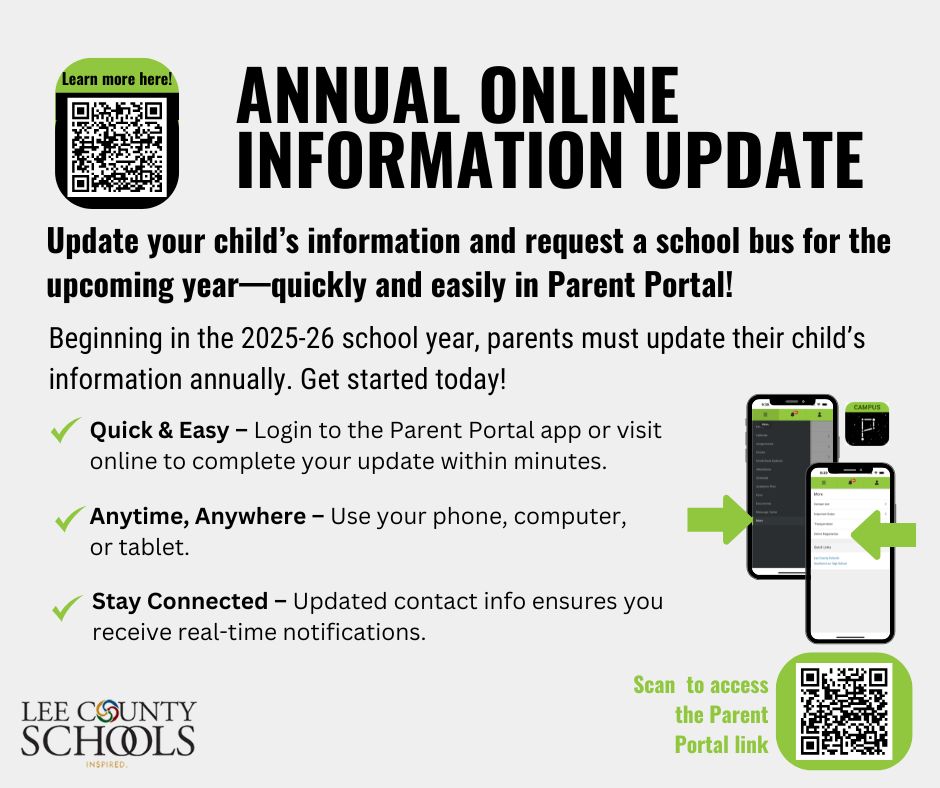
Campus Parent
Lee County Schools Campus Parent
Campus Parent allows parents to access student information via any Internet connection. Campus Parent uses web access to serve the family and improve the effectiveness of the communication between teachers and parents. Using the Campus parent is totally voluntary.
Key Benefits of Campus Parent are:
Increased Home-School Communication
Increased Parent Involvement
Real-time Student Progress Reporting (7 days a week, 24 hours a day)
You will be able to view the following types of data on your child:
Attendance
Assignments
Grade History
Current Progress
Daily Announcements from the school
Student Schedule
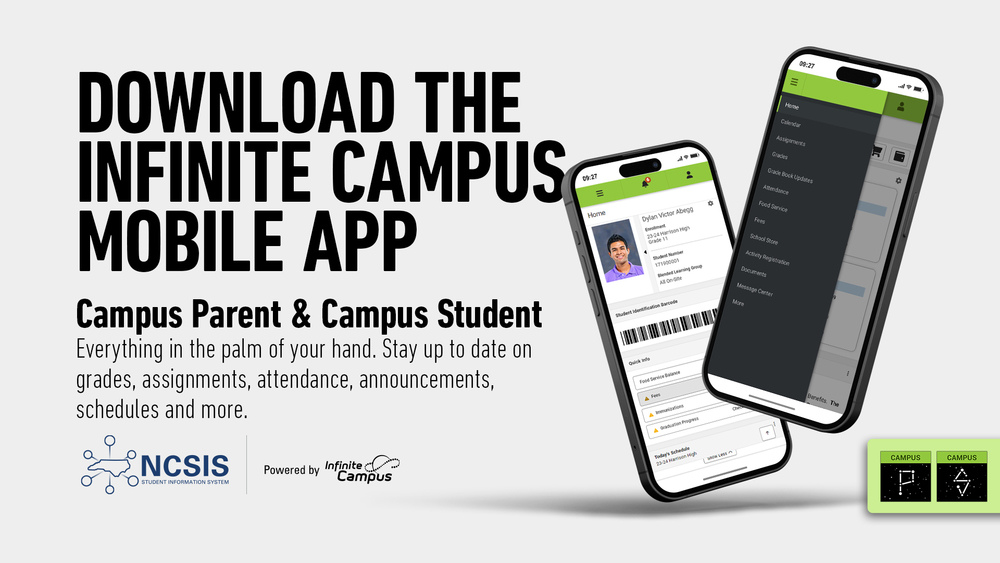
Download the Campus Parent app from the App Store or Google Play.
Open the app and search for your District Name & State. (Skip to Step 6.)
If using a web browser, visit InfiniteCampus.com and click "Log In" at the top right of the page.
Search for your District Name and State. Select your district from the list.
Click Parent/Student and then click Campus Parent.
Click "New User."
Enter your activation key in the space provided and then click submit. The activation key was sent to the guardian email address on file at your child's school.
Enter a Username and Password and click submit.
Please contact the school if you did not receive an activation code.