
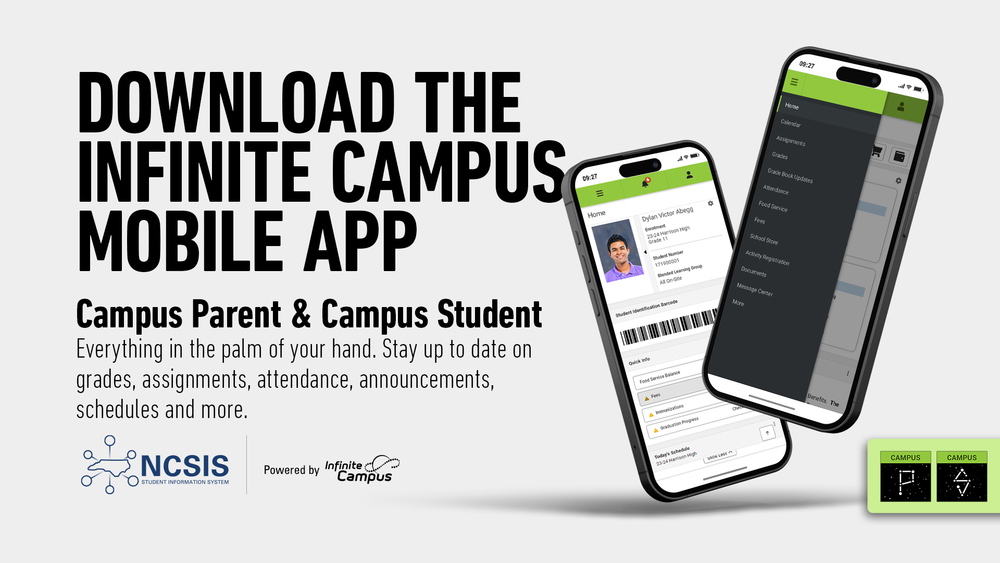
Download the Campus Parent App from Infinite Campus to connect to your student's grades, assignments, schedules and more!
Campus Student and Campus Parent put school information at your fingertips with real-time access to announcements, assignments, attendance, grades, schedules, and more! To get started, follow the steps below.
Download the Campus Parent app from the App Store or Google Play.
Open the app and search for your District Name & State. (Skip to Step 6.)
If using a web browser, visit InfiniteCampus.com and click "Log In" at the top right of the page.
Search for your District Name and State. Select your district from the list.
Click Parent/Student and then click Campus Parent.
Click "New User."
Enter your activation key in the space provided and then click submit. The activation key was sent to the guardian email address on file at your child's school.
Enter a Username and Password and click submit.
If you have questions about getting connected to Campus Parent, please reach out to your child's school.